Start with your own recording
Record or import audio or video up to 5 minutes long. Choose strumming or fingerstyle, submit, then track progress on the app home screen.
 AiUkeAiUke
HEAR IT. PLAY IT.
Record or import audio and video. Make chord charts and ukulele tabs your own.
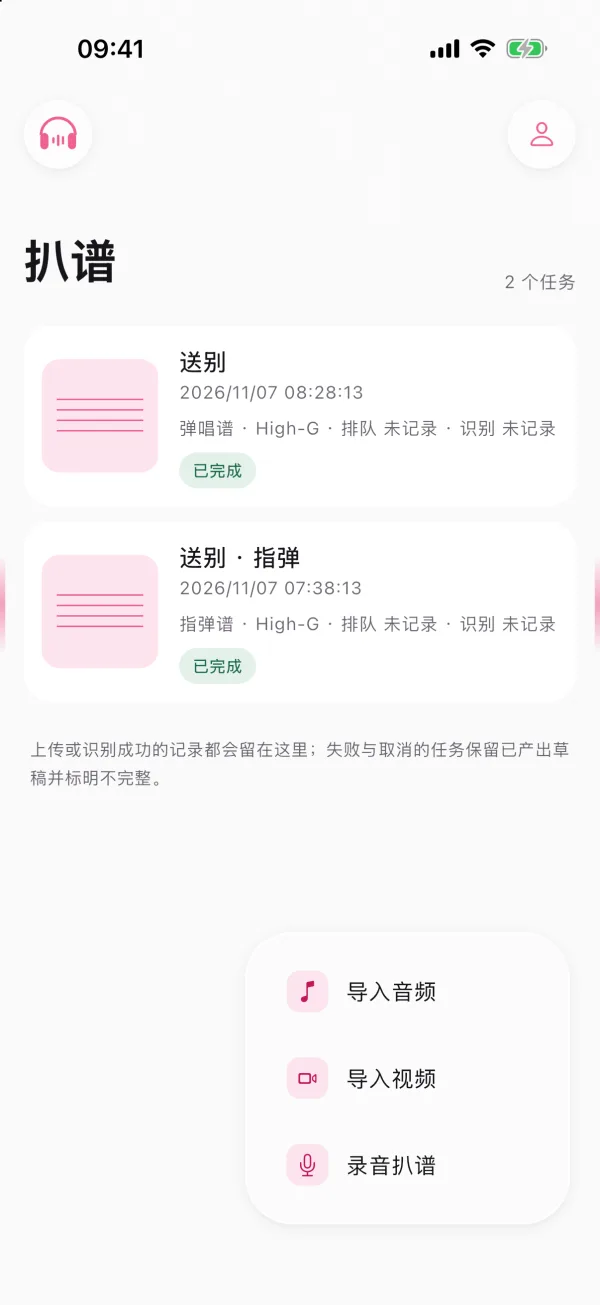
Record or import a file,
then choose a style and tuning.
Record a clip, or import audio or video.
Record or import audio or video up to 5 minutes long. Choose strumming or fingerstyle, submit, then track progress on the app home screen.
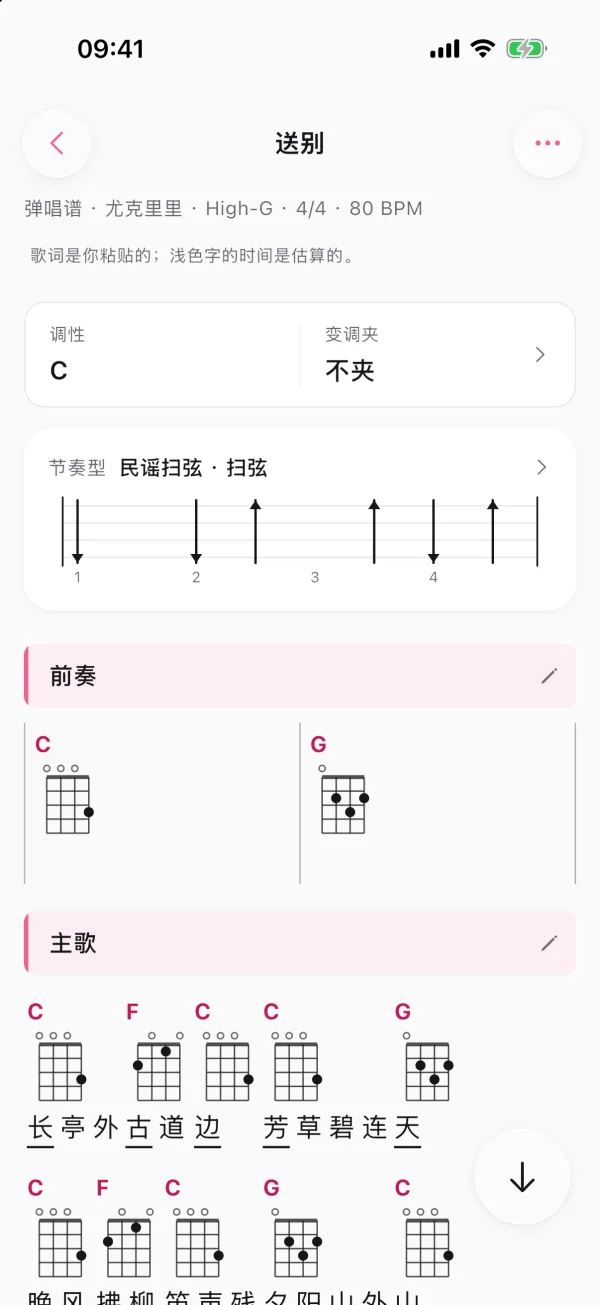
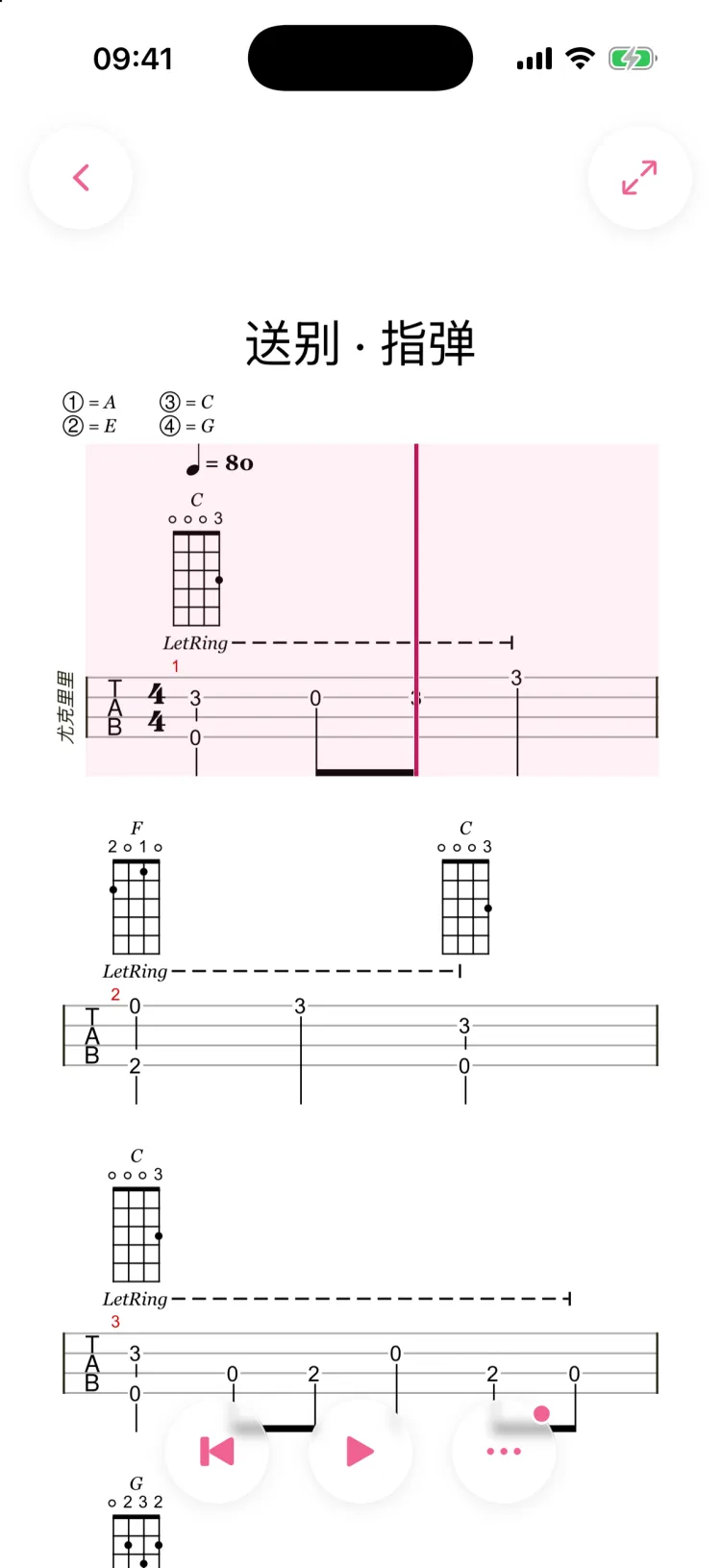
Edit chords, paste lyrics and choose strumming patterns. Listen to tabs and adjust the tempo to check them against the original audio.
Save to My Scores, filter by type, rename and sync with your account. Export tabs as Guitar Pro files or print them as PDFs.
FROM SOUND TO STRINGS
Listen, refine and save to My Scores.
From a sound to your next practice.
Cloud transcription and sync require an account and internet access. Features depend on your app version.